The engines arrive with the strategy already written.
Every threshold, guardrail and exception remains yours to edit. The difference is the starting point: a working strategy that can run continuously from the moment you switch it on.
Platform / Engines
Five engines run the account.
Five focused engines keep bids, hours, campaign coverage, inventory risk and wasted search terms under continuous control.
Engine 01 / Daily Bid
Bids that move with the market, not with your calendar.
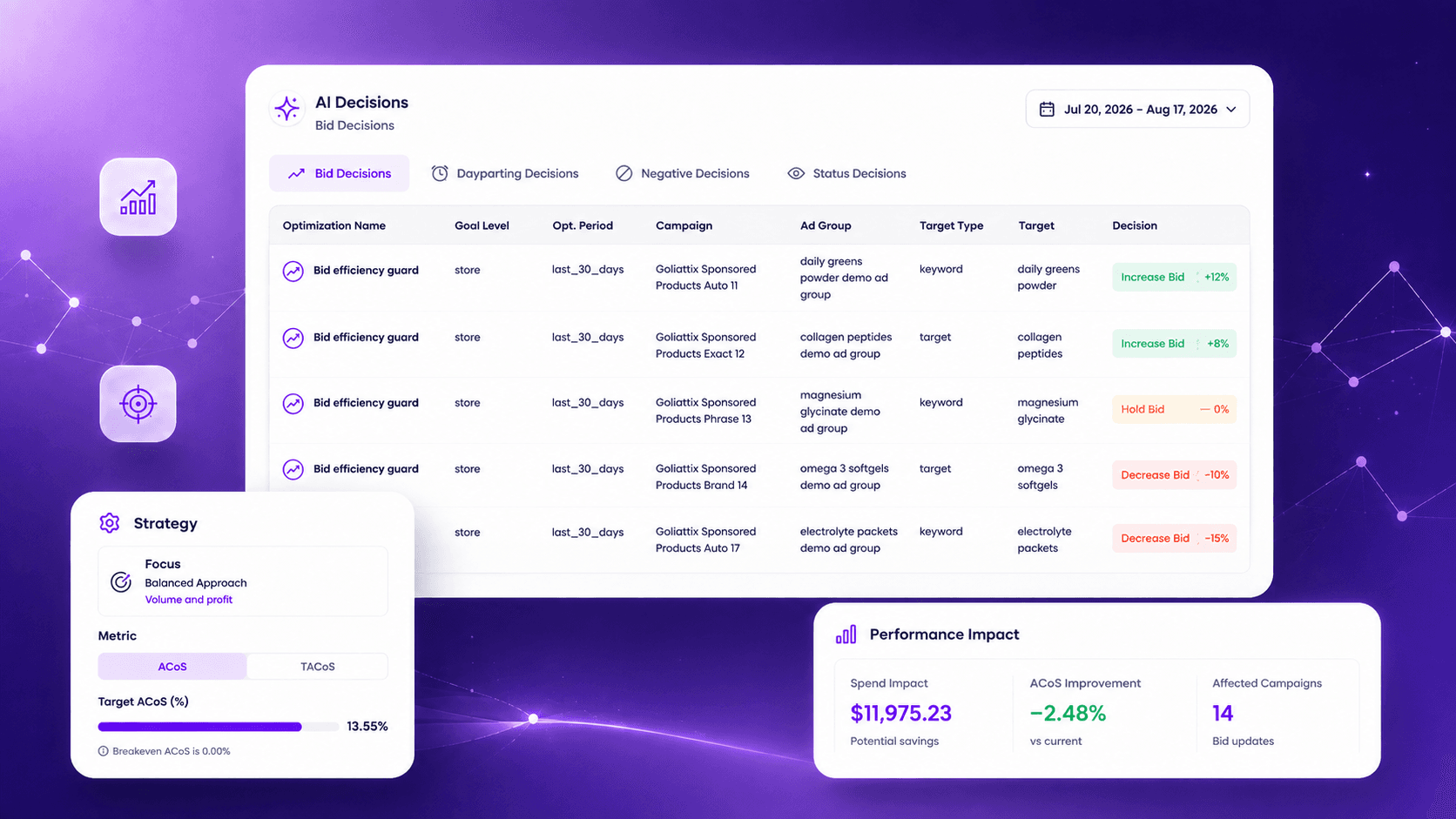
Bids are recalculated against live conversion, ACoS and TACoS signals rather than a daily batch. The rules governing those adjustments ship preconfigured and can be rewritten at any level.
AI Decisions · Bid decisions demo
Engine 02 / Dayparting
Stop paying peak rates in hours that never convert.
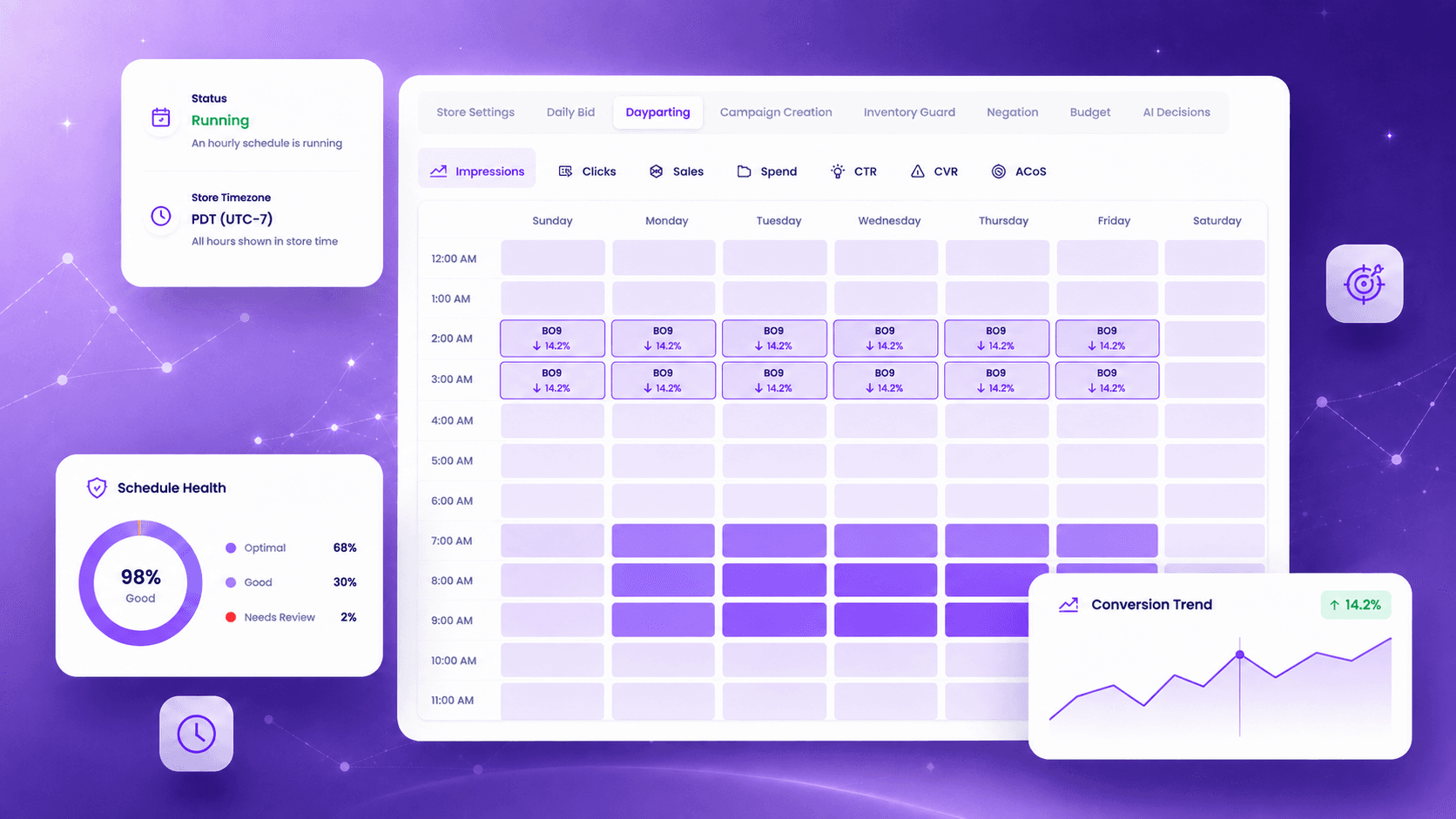
An hourly conversion pattern is built per product, not borrowed from a category average. The schedule recalibrates from a rolling four-week window.
Dayparting · Demo data
Engine 03 / Campaign Creation
New products get covered without anyone building campaigns.
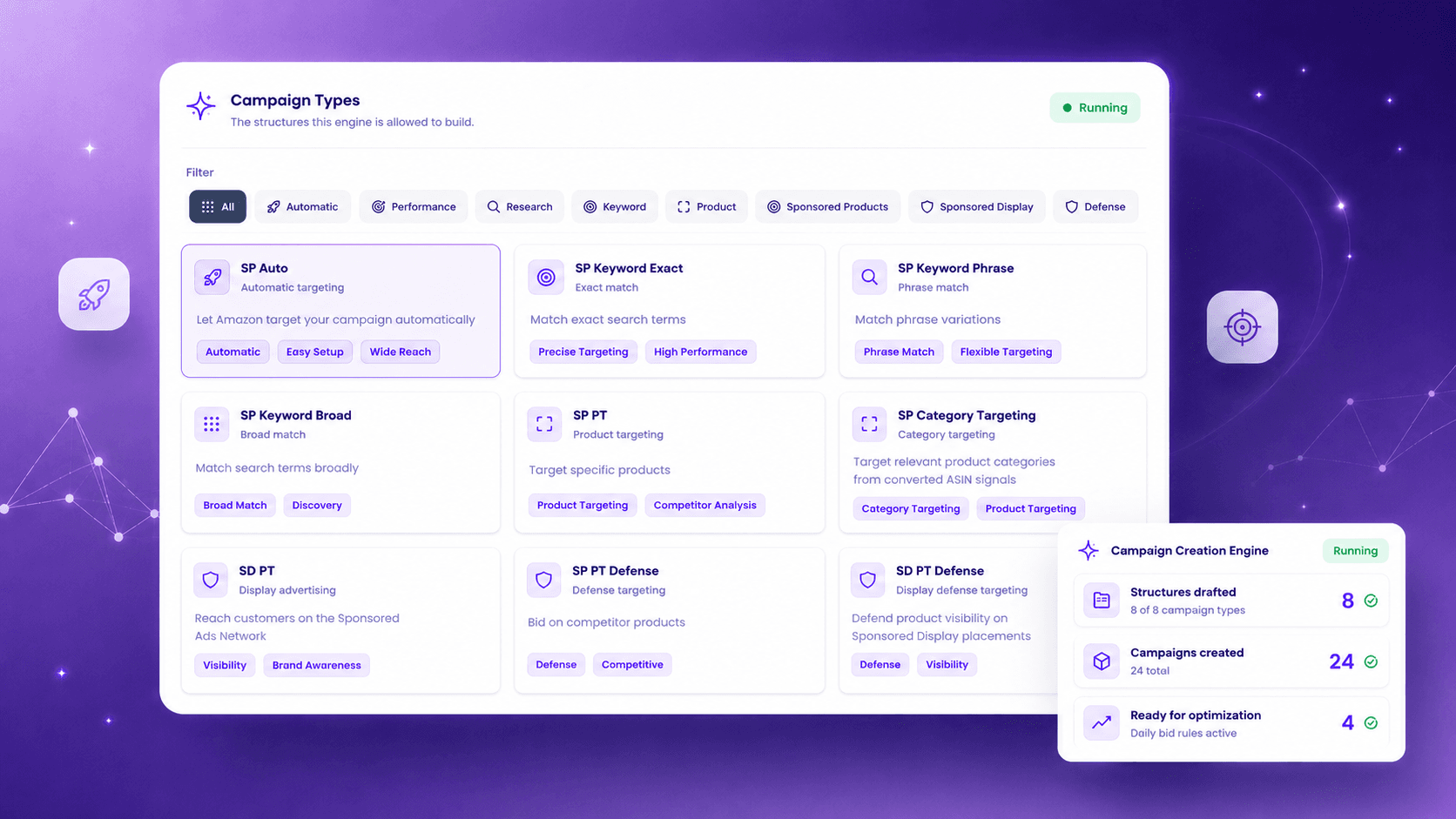
Uncovered products are detected and a full structure is drafted, with bidding, negation and dayparting applied from day one.
Campaign Creation · Demo data
Engine 04 / Inventory Guard
Never build rank into a stockout.
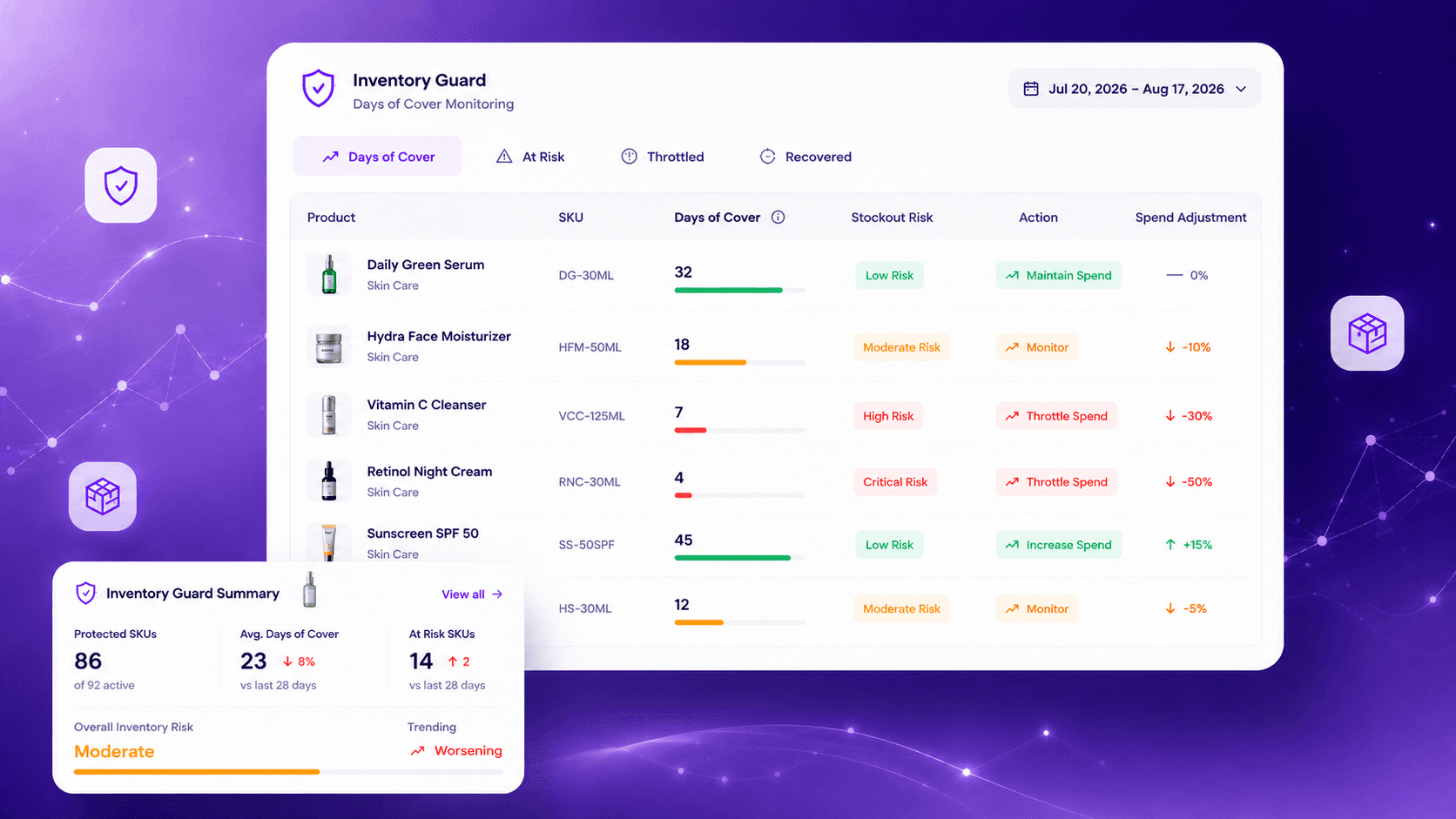
Days of cover is read live per SKU. Spend throttles as the stockout window approaches, then returns as cover recovers.
Inventory Guard · Demo data
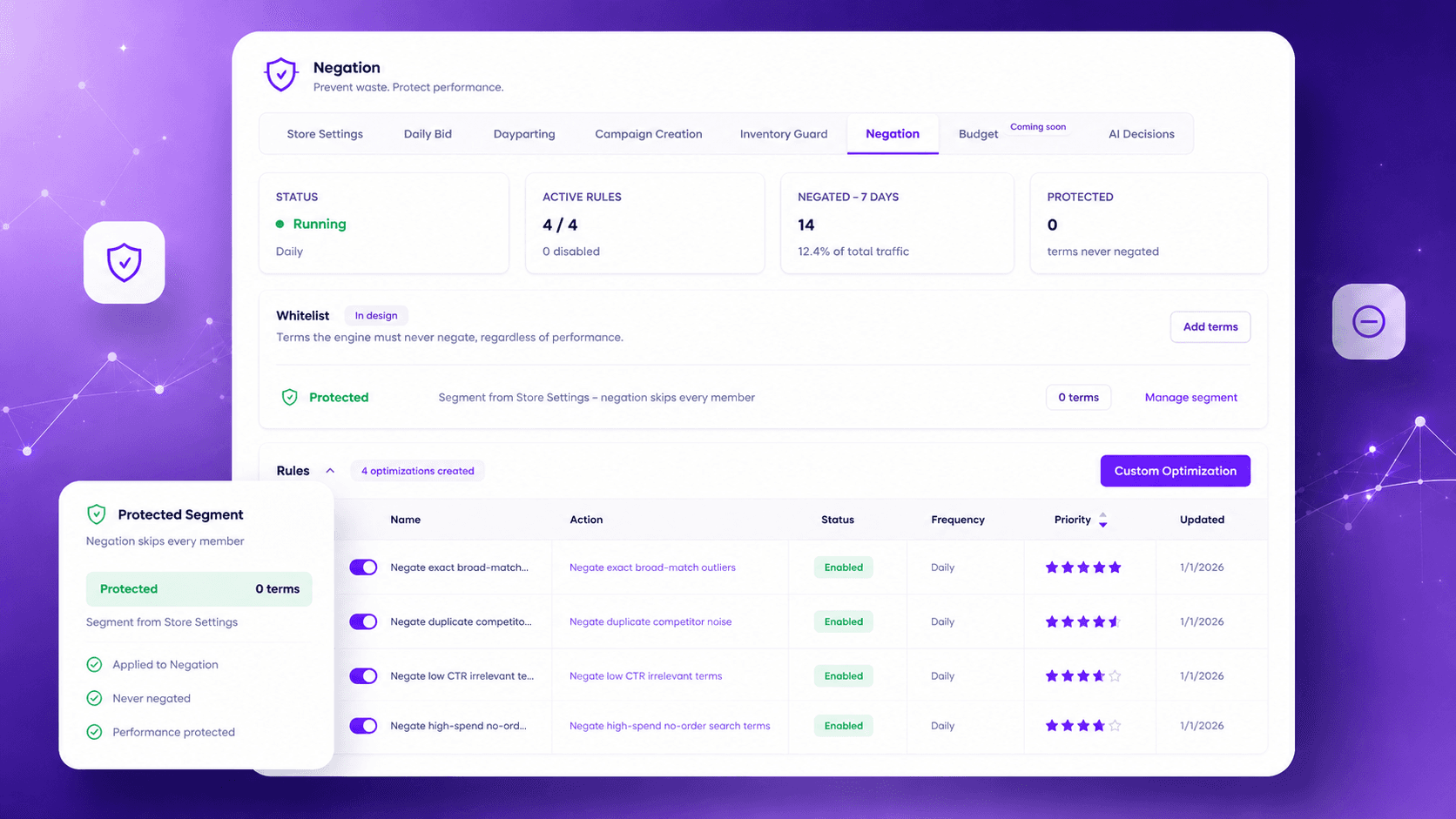
Engine 05 / Negation
Wasted spend is cut before you would have noticed it.
Non-converting search terms are negated continuously at the right level and match type. Protected terms stay protected.
Negation · Demo data
Workspace / Editable in place
A workspace built for the work.
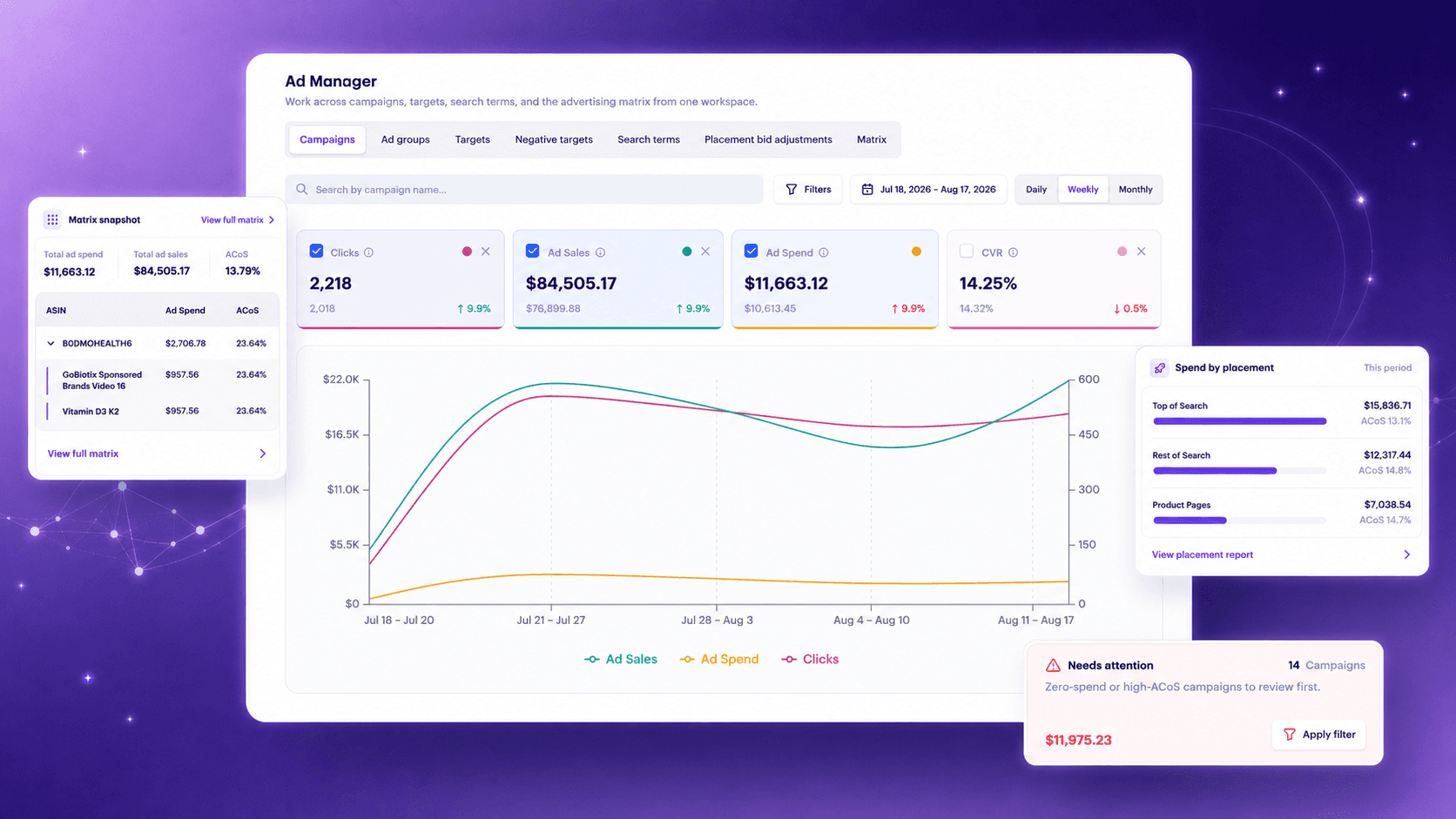
Campaigns, ad groups, targets, search terms, placement bid adjustments, and a hierarchical ASIN to campaign to target matrix, all editable in place.
Campaign triage cards and drill-in
Bulk actions on targets: bid updates, enable, pause
Search term product and keyword split with bulk negation
Bulk archive on negative targets
Inline editing of placement bid adjustments
Ad Manager · Campaign workspace demo
Inventory Guard · Inventory context demo
Analytics / One place
One tool instead of two.
Reporting and optimization live in the same place. Contribution margin by SKU, campaign and target performance, search term behavior and inventory position are all in the workspace where decisions get made, so there is no separate analytics subscription and no export step between seeing a problem and acting on it.
Final / Your account · your rules
Put the engines in your account context.
One account is enough to see the operating model in motion.